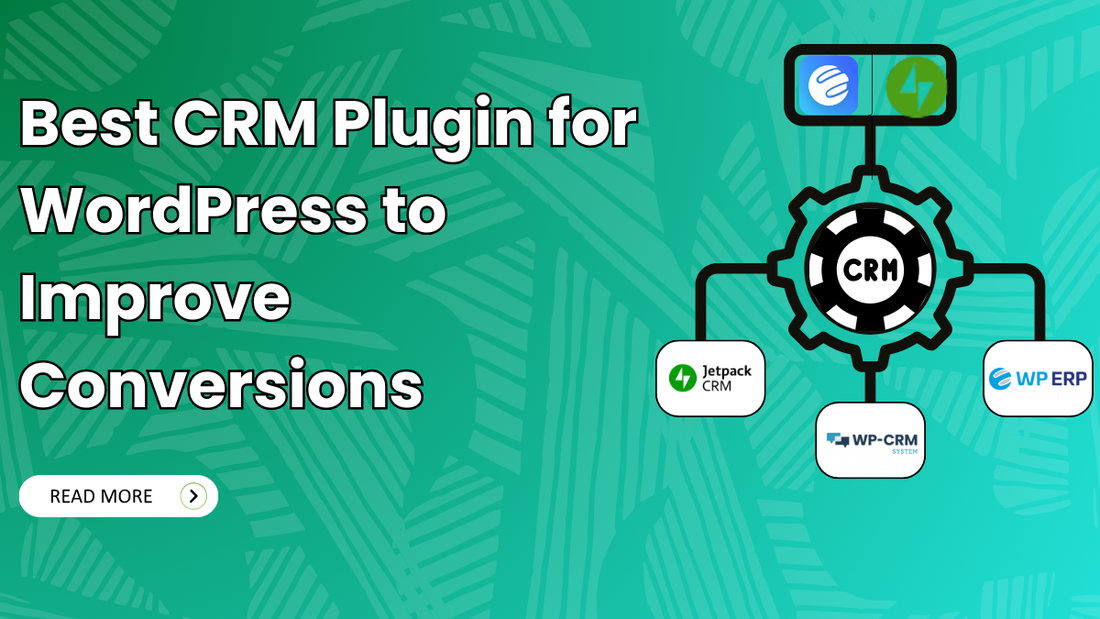
Managing leads effectively is one of the biggest challenges for growing online businesses. If you’re still relying on spreadsheets or scattered contact forms, you may be missing valuable opportunities to convert visitors into customers. This is where CRM plugins for WordPress play a crucial role. A powerful CRM plugin helps you capture leads, organise customer data, track interactions, and automate follow-ups, all directly from your WordPress dashboard.
With hundreds of CRM tools available, choosing the right one can be overwhelming. Some plugins focus on simple contact management, while others offer advanced features like email automation, sales pipelines, WooCommerce integration, and marketing analytics. To make your decision easier, we’ve curated a list of the 7 best CRM plugins for WordPress, featuring tools that integrate seamlessly with premium WordPress themes for lead generation. Whether you’re a blogger, small business owner, or agency, these CRM plugins can help you streamline lead management and turn prospects into loyal customers.
Factors to Choose the Best CRM Plugin for WordPress
Choosing the right CRM plugin can make a big difference in how effectively you manage leads, track customer interactions, and grow your business. Here are the key factors to consider when evaluating CRM plugins for your WordPress site:
- Ease of Use: A user-friendly interface with thumb friendly mobile interfaces saves time and reduces frustration, especially if you’re not a tech expert. Look for plugins with intuitive dashboards, clear menus, and straightforward setup processes.
- Lead Capture & Management: The core purpose of a CRM is to collect and organize leads. Choose plugins that integrate seamlessly with your forms, landing pages, and contact options while providing a structured way to categorize and manage contacts.
- Automation Features: Automation helps you nurture leads without manual effort. Features like automated email follow-ups, tagging, notifications, and scheduled tasks can significantly improve your workflow and conversion rates.
- Sales Pipeline & Reporting: A clear sales pipeline view allows you to monitor where each lead stands in the conversion journey. Detailed reports and dashboards help you track performance and identify areas for improvement.
- Customisation Options: Every business is different. The ability to customise fields, tags, stages, and workflows ensures the CRM fits your unique process rather than forcing you to adapt to the tool.
- Mobile Access & Notifications: Real-time alerts and mobile compatibility are essential for staying responsive, especially for sales teams that work remotely or on the go.
- Security & Data Protection: Since CRMs manage sensitive customer data, a regular WordPress security check is a must. Ensure the plugin follows best practices for data encryption, user roles, backups, and compliance with privacy laws.
- Scalability: Choose a CRM that grows with your business. Whether you’re just starting or planning to scale, the plugin should support increased traffic, more contacts, and advanced features without performance issues.
- Support & Documentation: Reliable customer support and clear documentation help resolve issues faster and reduce downtime. Check for available resources like knowledge bases, tutorials, forums, and responsive support teams.
The Best CRM Plugin for WordPress
Here are some of the best CRM plugins you can use with WordPress, including tools that help you generate and manage leads, automate follow-ups, and grow your customer base:
Fluent CRM

FluentCRM is a highly popular, self-hosted email marketing and CRM plugin designed specifically for the WordPress ecosystem. Unlike external SaaS tools, where you pay more as your list grows, FluentCRM runs entirely on your own server, giving you full ownership of your data and a more predictable cost structure.
In lists of the Best CRM Plugins for WordPress, FluentCRM consistently ranks high for sites whose main focus is email automation and contact management directly inside WordPress. It’s often recommended over heavier or external CRM systems when seamless WordPress integration and ownership of data are priorities. It is widely considered the best for Email Marketing Automation within WordPress. If you need a sales-heavy CRM with lead pipelines (like Pipedrive), you might find it a bit email-focused. However, for course creators, e-commerce owners, and bloggers, it is often the top recommendation.
Pros
- WordPress-native- data stays inside your WP site.
- Strong email automation capabilities (funnels, sequences).
- Unlimited contacts & campaigns in the free plan.
- Excellent segmentation + analytics.
- Great integration with WooCommerce, LMS & membership plugins.
Cons
- It’s more email/automation-focused than a full CRM like Salesforce or HubSpot; if you need advanced pipeline/sales tracking, it might feel limited.
- You need a reliable SMTP/email delivery service for professional deliverability.
- Some advanced automation templates/complex workflows may require the Pro version.
HubSpot for WordPress

HubSpot for WordPress is an official WordPress plugin that connects your website to HubSpot’s CRM platform, giving you contact management, forms, live chat, email marketing, automation, analytics, and more right from your WordPress dashboard. It’s designed for businesses that want a full CRM + marketing toolkit integrated with their website.
It connects your WordPress site to HubSpot’s massive external cloud platform. It is widely considered the best choice for businesses that want a professional-grade sales tool and don't mind their data living outside of WordPress. The HubSpot for WordPress plugin is an excellent choice and the Best CRM Plugin for WordPress if you want a comprehensive CRM and marketing platform that’s tightly integrated with your WordPress site, with strong contact management, forms, email marketing, live chat, and analytics, all starting from free.
Pros
- All-in-one solution- CRM + marketing + chat + automations in one.
- Easy integration with WordPress with no coding.
- The free version is generous and useful for many small businesses.
- Strong analytics and reporting tools built in.
- Works with WooCommerce and many third-party plugins via integrations.
Cons
- Scalability costs -Many advanced CRM and automation features require paid HubSpot plans.
- Some users report that the plugin can affect page performance if not optimized.
- Fully leveraging the CRM outside basic features often requires learning the broader HubSpot platform.
- You must have a HubSpot account - the plugin links your WordPress site to HubSpot’s cloud CRM.
Groundhogg

Here’s another Best CRM Plugin for WordPress that stands out among the best ones. Groundhogg is a WordPress-native CRM, email marketing, and marketing automation plugin that lets you manage contacts, build automated funnels/flows, send campaigns, and more, all from within your WordPress dashboard. It’s designed as a powerful alternative to hosted SaaS CRMs like HubSpot, ActiveCampaign, or Keap, but running fully on your own WordPress installation.
Groundhogg is a robust WordPress-native CRM + marketing automation plugin that lets you manage contacts, build automated funnels, send email campaigns, and track analytics, all from your WordPress dashboard. It’s particularly compelling if you want to own your data, avoid per-contact fees, and tie your CRM deeply into your site’s content and e-commerce systems.
Pros
- WordPress-native, runs fully on your own website (you own your data).
- Unlimited contacts and automations with no per-contact fees.
- Powerful automation builder capable of complex customer journeys.
- Integrates with many popular WordPress plugins and e-commerce systems.
- Strong analytics and segmentation options.
Cons
- Learning curve - automation builder and features are powerful but may take time to master.
- UI can feel less polished compared to big SaaS CRMs since it lives inside the WP admin. reddit25
- Some advanced features require premium extensions or higher-tier plans.
- Not as native for sales pipeline and team task management as dedicated CRM platforms.
WP ERP

WP ERP is a WordPress-native business management plugin that combines CRM, HR, and Accounting modules into one integrated system, effectively turning your WordPress dashboard into a lightweight ERP system. You can use just the CRM module if that’s your primary goal, or expand into HR and accounting as your business grows.
WP ERP is unique because it is a full-scale Enterprise Resource Planning system. It doesn't just manage customers; it manages your entire business, HR, Accounting, and CRM, all from one WordPress dashboard. WP ERP isn’t just a CRM; it’s an integrated business system inside WordPress, with free core CRM features like contact management, activity logs, scheduling, and reporting. You can extend it with premium add-ons as needed for sales pipelines, automation, WooCommerce CRM, SMS, and more.
Pros
- All-in-one business tool, CRM + HR + accounting in one ecosystem.
- Modular and flexible, add only the parts you need.
- Open-source & WordPress-native, you control your data and environment.
- Simple contact life-stage tracking and scheduling.
Cons
- Frontend access is limited: CRM and accounting parts lack built-in frontend user dashboards, meaning non-admins often can’t use it without extra plugins or custom work.
- Some advanced CRM capabilities require paid add-ons.
- As a full ERP suite, the interface can be a bit more complex than focused CRM-only plugins.
Jetpack CRM

Jetpack CRM is a WordPress-based customer relationship management plugin developed by the team behind Jetpack and Automattic. It’s designed to help entrepreneurs and small businesses manage contacts, leads, sales funnels, invoicing, transactions, and more, all from within the WordPress dashboard.
Unlike cloud-hosted CRM services, Jetpack CRM lives on your own WordPress site, which gives you full control of your customer data and how it’s used. Jetpack CRM is a flexible, WordPress-centric CRM plugin that helps you manage contacts, sales workflows, invoicing, and more, all from within your WordPress site. It’s especially appealing for small businesses that prefer modular pricing, self-hosting control, and tight integration with WordPress tools.
Pros
- Modular & affordable, pay only for the features you need.
- No contact limits, pricing isn’t tied to the number of contacts.
- Invoicing and payment features are built into CRM workflows.
- Easy setup and usability for beginners and small business owners.
Cons
- CRM functionality is strong for small to medium use, but may lack enterprise-level features found in big SaaS CRMs.
- As a WordPress plugin, performance depends on using the right vps hosting for WordPress for your specific setup.
WP CRM

WP-CRM System is a WordPress-native CRM plugin that lets you manage your customer relationships, contacts, projects, tasks, and marketing campaigns, all right from the WordPress dashboard. It’s built to give small businesses and teams a lightweight but functional CRM without relying on external SaaS systems. Unlike plugins that only capture form leads or sync with third-party CRMs, WP-CRM aims to be a stand-alone CRM solution inside WordPress with optional add-ons you can add as your needs grow.
WP-CRM is a fully featured and the Best CRM Plugin for WordPress that helps you manage contacts, projects, tasks, and campaigns directly from your WordPress dashboard. It’s a good choice if you want a self-hosted CRM with unlimited records, flexible extensions, and natural integration with your WordPress site, especially for small businesses or agencies that don’t want to pay per contact/user like many SaaS CRMs.
Pros
- Fully self-hosted CRM inside WordPress, your data stays on your site.
- Unlimited contacts and records without per-user or per-contact fees.
- Project & task management built into the CRM, great for small teams.
- Extensible with add-ons for integrations with other tools you already use.
Cons
- UI/UX may feel basic compared to big cloud CRMs like HubSpot or Salesforce. Small businesses accustomed to modern SaaS apps might find it less polished.
- Some advanced features require paid add-ons, so costs can add up if you need a lot of functionality.
- Not as powerful out-of-the-box as heavy SaaS CRMs, it’s better suited to small teams and simpler workflows.
Conclusion
Choosing the Best CRM Plugin for a WordPress site is crucial for effective lead generation, contact management, and customer engagement. The most popular and highly-rated CRM solutions typically combine lead capture, automation, email marketing, and reporting, helping businesses grow without needing multiple disconnected tools.
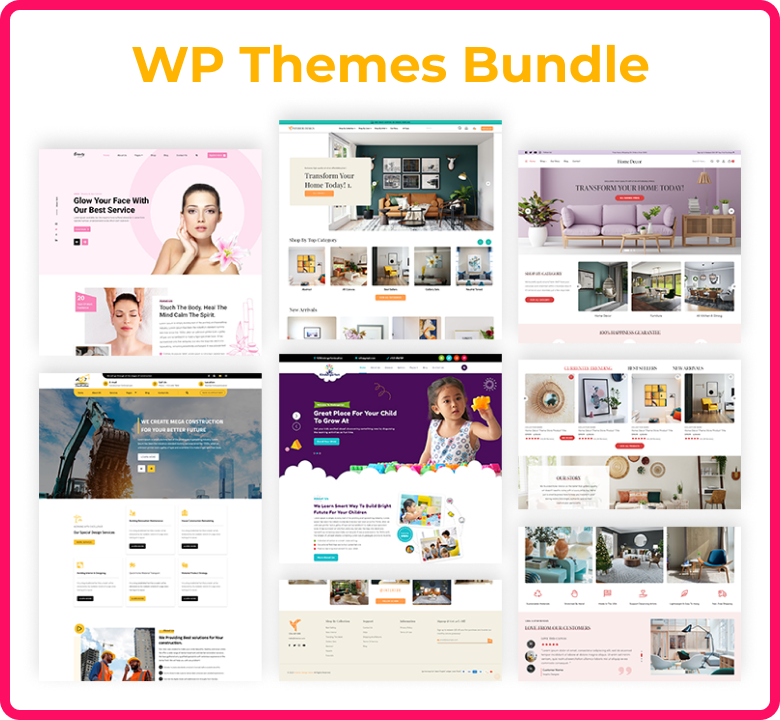
Overall, the best CRM plugin depends on your goals, whether you want a lightweight tool for capturing leads, an all-in-one marketing and sales platform, or a fully integrated self-hosted CRM. Choosing one that syncs seamlessly with your forms, marketing stack, and WP theme bundle will maximize your lead generation results.